The following applications are included with any EIOBoard purchase. Add-on products to follow below.
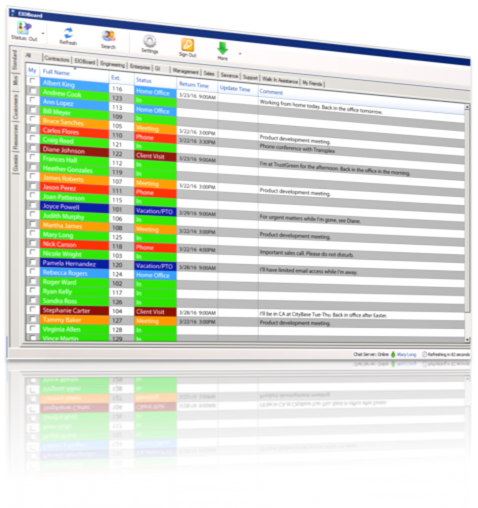
Application
Installed on a PC and runs as a program.
|
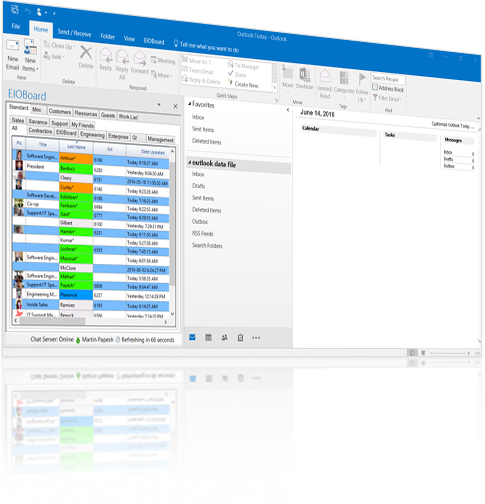
Outlook Add-in
Installed right into Microsoft Outlook.
|
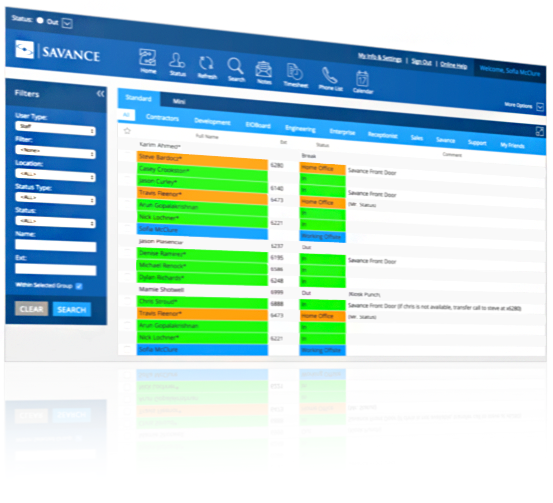
Browser Interface
Accessed through a web browser (Internet Explorer, Chrome, or Firefox)
|
 |
 |
 |
| Read More |
Read More |
Read More |
iPhone and iPad App
Quick access to status updates, contact info, messaging, and co-worker's status from iOS.
|
Android App
Quick access to status updates, contact info, messaging, and co-workers' statuses from Android.
|
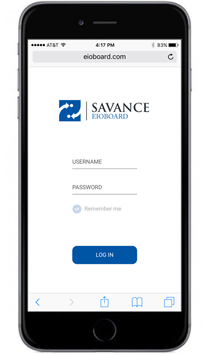
Mobile Web Interface
Accessed through a web-enabled mobile device like an iPhone, Android, or Windows Phone.
|
 |
 |
 |
| Read More |
Read More |
Read More |
Additional Add-ons
|
Offline Electronic Mustering Interface
Emergency status board and roll call tool with up-to-date information on all staff and visitors available at all times.
|
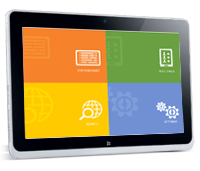
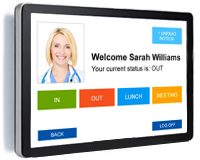
Kiosk
Status updates, time clock, visitor management, meeting room display, status board, and more.
|
 |
 |
| Read More |
Read More |
|
Punch
Automatically change your status as you walk through the door with your badge.
|
Software Development Kit
Toolkit allowing you to extend the functionality of the system for your own custom needs.
|
 |
 |
| Read More |
Read More |
|
|
|